Installing GaspardOS LANG
For now, GaspardOS LANG is available for Windows 10/11 and the equivalent Server versions.
GaspardOS Experimentation V1 License
You must accept this license:
GaspardOS LANG is a compiler for an experimental language.
GaspardOS grants a right of use, not a right of ownership.
GaspardOS LANG is an EXPERIMENTAL language, with no guarantee of operation or fitness
for any particular purpose.
No commercial use is permitted.
On 01/08/2026, the SHA256 CHECKSUM for gaspardl.exe V1.5 is:
654bfff2ff1e527b32bda300613fcd93b5e60cf032aa2ab1123547daad76301c
On 06/07/2026, the SHA256 CHECKSUM for gaspardl.exe V1.2BIS is:
ecaa47c66f5089344b74a2478e6f33bebc70b342bc92d2bc967f0200fed9877a
On 01/07/2026, the SHA256 CHECKSUM for gaspardl.exe V1.2 is:
3a4578a46e937ebd120b4564367ab3ec51c2c7adee00271119c426105d0b7e64
On 26/06/2026, the SHA256 CHECKSUM for gaspardl.exe V1.1BIS is:
3b451bbea9206f05ad6d611643e11f40c665bea29da645f768b69539c995c9fc
On 18/06/2026, the SHA256 CHECKSUM for gaspardl.exe V1.1 is: 56b1d8718bea39f2340df7572c6ddf2d890e8788fb8854f6d95d56541dac41bf
On 15/06/2026, the SHA256 CHECKSUM for gaspardl.exe V1 is: 8a9d032756634be235f32b68b5f9ef82898c9a90da5772380600f03e218891f8
Notes
You do not need Visual Studio, MinGW, MSVC, Clang, etc.
GaspardOS LANG will install everything it needs.
After installation
After installation, your PATH variable will be modified.
Close every Command Prompt, PowerShell, Windows Terminal, etc. window.
Restart PowerShell and type gaspardl: normally, you will see an error from gaspardl!
If not, restart Windows completely. It should work after the restart.
How to test GaspardOS LANG
I provide examples on GitHub for testing my language:
I am proceeding step by step. I will provide a guide to understanding the grammar and syntax of GaspardOS LANG.
VS Code extension
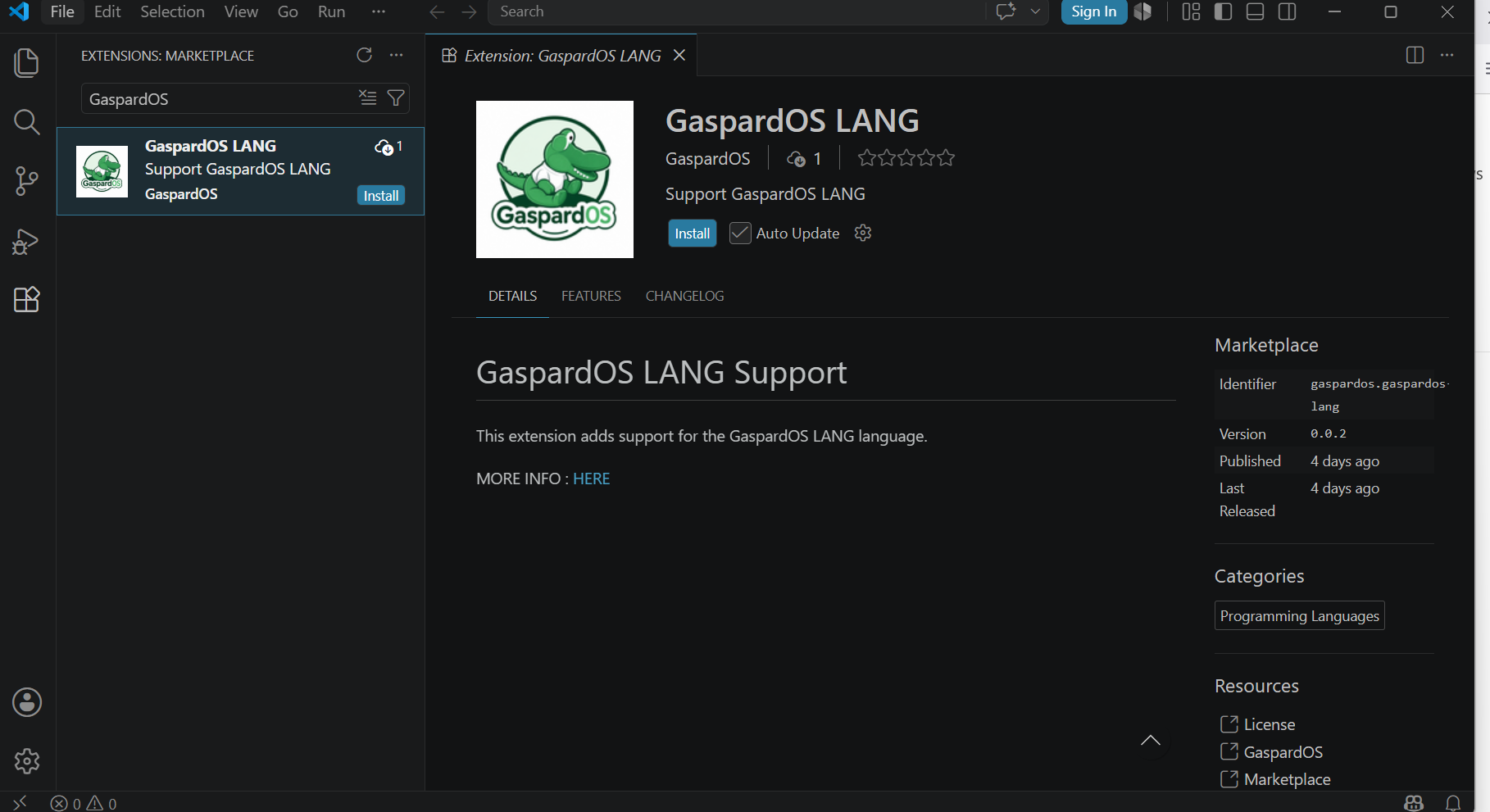
I have published a VS Code extension.
It provides syntax highlighting for the language: